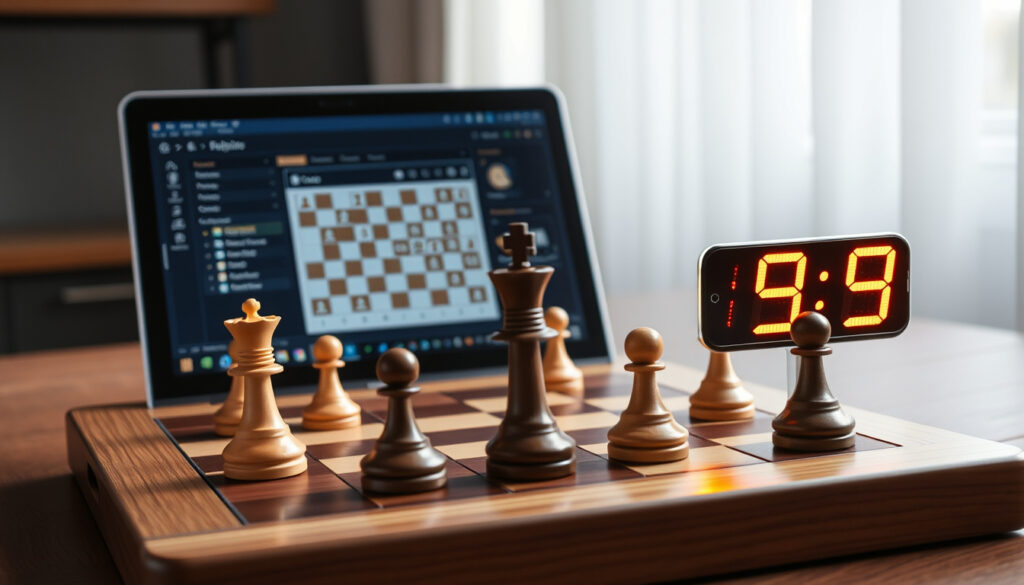
Play Chess Against Computer: Free Games & Practice Tips
Sitting across a chessboard used to mean facing another human. Now your opponent can be an engine that never blinks, never tires, and plays at any level you choose. Free platforms put this power in anyone’s hands—here’s how to pick the right one and use it well.
Chess.com users: over 100 million ·
Stockfish Elo rating: 3500+ ·
Deep Blue vs Kasparov year: 1997 ·
Free platforms for computer chess: 10+
Quick snapshot
- Whether playing exclusively against computers is better than playing humans for overall improvement. (PC Gamer)
- The exact impact of computer practice on tournament performance is debated (PC Gamer).
- 1997: Deep Blue beats Kasparov (PC Gamer).
- 2010: Lichess launched (Tabletop Curation).
- 2025: Stockfish 16 rated 3600+ Elo (PC Gamer).
- More platforms integrating neural network engines (Leela Chess Zero). (PC Gamer)
- AI chess coaches that adapt to your playing style (PC Gamer).
| Label | Value |
|---|---|
| First computer to beat world champion | Deep Blue (1997) vs Garry Kasparov |
| Strongest chess engine (2025) | Stockfish 16 (rated 3600+ Elo) (PC Gamer) |
| Most popular platform | Chess.com (over 100 million users) (Chess.com) |
| Free vs paid options | Most platforms offer free basic play vs computer (Lichess is 100% free) |
| Open-source engine | Stockfish – free, customizable (PC Gamer) |
| No-login platforms | ChessWorld, 247Chess, chess.org – no registration required (ChessWorld, 247Chess) |
| Adjustable difficulty | Chess.com, Lichess, ChessWorld – multiple levels (ChessWorld) |
Can I play chess against the computer?
Yes — and it’s easier than ever. You can jump into a game against a computer opponent on a dozen websites without downloading anything or even creating an account. Lichess (the free, open-source chess server) offers instant play against the Stockfish engine at any strength. Chess.com (the largest online chess platform) also provides a computer opponent with adjustable difficulty, though some features require a premium account.
How to start playing against the computer
- Open a browser and go to Lichess or ChessWorld (no-login, adjustable levels).
- Click “Play Computer” or “Vs Computer” – no sign-up needed on most sites (247Chess).
- Choose your difficulty level: beginner, intermediate, advanced, or custom.
- Start playing – the computer responds instantly.
Popular platforms for computer chess
Among the free options, three stand out:
- Lichess: 100% free, no ads, open-source, Stockfish engine (Lichess).
- Chess.com: Free tier with computer play, but limited; premium unlocks more (Chess.com).
- ChessWorld: Truly free, no login, adjust levels, undo, replay, FEN load (ChessWorld).
The pattern: most platforms give you a solid free experience, but advanced analysis tools and engine depth often sit behind a paywall on Chess.com, while Lichess gives everything away.
Is playing chess against a computer good practice?
Yes — but with a caveat. Computer opponents excel at tactics and positional play, and they never get tired. That makes them ideal for drilling pattern recognition and calculation. PC Gamer (gaming and tech authority) notes that using a free engine like Stockfish can help you study openings and endgames more effectively than a human partner.
Benefits of practicing with computer opponents
- Instant feedback – you see the consequence of every move.
- Unlimited availability – play at 3 AM if you want.
- Adjustable strength – the computer can meet you at any level.
Potential drawbacks to consider
- Computers don’t make human-like mistakes, which can limit learning about exploiting opponent errors.
- Playing only against engines may not prepare you for the psychological side of over-the-board games.
The trade-off: computer practice sharpens your tactical vision, but you still need human games to learn how to handle pressure, bluffs, and unpredictable play.
What is the best free chess app to play against computers?
For mobile users, the options are nearly as rich as on desktop. Lichess (fully free, mobile app) offers the same engine and features as the web version. Chess.com (the 100-million-user platform) has a highly rated app but pushes its premium tier. ChessWorld (mobile-friendly browser) works well on any device without an app.
One comparison of four leading free platforms reveals a clear pattern:
| Platform | No-login | Engine strength | Analysis tools | Ads |
|---|---|---|---|---|
| Lichess | Yes | Stockfish (1–3200) | Full | None |
| Chess.com | No | Computer (1–10) | Limited free | Some |
| ChessWorld | Yes | Adjustable, high | Basic | Minimal |
| 247Chess | Yes | Fixed (moderate) | None | Some |
The catch: “free” varies. Lichess truly gives everything. Chess.com’s free tier is enough for casual play, but serious practice demands a subscription.
Who is the best chess player against a computer?
No human can consistently beat the strongest engines like Stockfish (rated 3600+ Elo). But historically, Garry Kasparov was the first world champion to face a computer in a match and lose – Deep Blue defeated him in 1997 (PC Gamer). Today, top grandmasters like Magnus Carlsen train with engines daily but still rely on human intuition in tournament play.
The implication: the best “player against a computer” is not a person – it’s the engine itself. Humans use computers as training partners, not competitors.
What did Elon Musk say about chess?
Elon Musk has commented on chess in the context of artificial intelligence. In a 2017 interview, he described chess as a “good game” but noted that Go is significantly more complex for AI (PC Gamer). His remarks highlight how chess has been used as a benchmark for machine intelligence for decades.
The implication: when you play chess against a computer, you’re engaging with a problem that AI researchers have tackled for half a century. The engines you face today are the direct descendants of Deep Blue and the ancestors of tomorrow’s general AI.
The computer opponent you play today is not a static program – it’s the result of billions of training games. That means it can teach you patterns that even grandmasters would miss.
Pros and cons of playing against a computer vs human
Upsides
- Always available, any time of day.
- Adjustable difficulty – start easy, ramp up.
- Instant feedback – no waiting for opponent’s move.
- Excellent for tactical drills and endgame study.
Downsides
- Computers don’t make human blunders – you miss learning how to capitalize on mistakes.
- No psychological pressure – you can’t practice handling nerves.
- May lead to passive play if you rely on undo/redo features.
How to get started playing chess against the computer
- Choose a platform: Lichess (free, no ads) or ChessWorld (no login).
- Set your level: Start at a low level (e.g., 800 Elo equivalent) and increase as you win.
- Use analysis tools: After each game, review the engine’s evaluation to see where you went wrong (PC Gamer recommends pairing engines with GUI software).
- Mix with human games: Play against real opponents on the same platform to round out your skills.
If you only play against the computer, you risk developing a “computer style” – too materialistic, blind to human psychology. Balance is key.
What we know and what remains unclear
Confirmed facts
- You can play chess against a computer for free on multiple platforms (Lichess, ChessWorld, 247Chess).
- Playing against a computer improves tactical skills and pattern recognition (PC Gamer).
- Deep Blue defeated Kasparov in 1997 (PC Gamer).
- Stockfish is the strongest open-source engine (rated 3600+ Elo) (PC Gamer).
What’s unclear
- Whether playing exclusively against computers is better than playing humans for overall improvement.
- The exact impact of computer practice on tournament performance is debated among coaches (PC Gamer).
Quotes on computer chess
“Chess is a good game, but Go is more complex for AI.”
— Elon Musk, 2017 interview (PC Gamer)
“We are completely free, no ads, and fully open-source. Every feature is available to everyone.”
— Lichess team (Lichess)
The implication: these two perspectives – one from a tech entrepreneur, one from a platform builder – capture the spectrum: chess as a benchmark for AI, and chess as a democratic training tool.
Summary
Playing chess against a computer is no longer a niche novelty – it’s a mainstream training method available to anyone with a browser. For the casual player, free platforms like Lichess and ChessWorld offer unlimited practice with zero friction. For the serious improver, the choice is clear: use Lichess for raw analysis, supplement with human games for psychological depth, and never pay a cent unless you want the polish of Chess.com’s premium features. The computer opponent won’t get tired, won’t judge you, and will always show you the truth – but it’s up to you to learn from it.
Related reading: Best Online to Learn Spanish · Best Kids Toys for Boys 2026
chess.game, youtube.com, democraticchess.com, rarepike.com, chessstrategyonline.com, chessonlinefree.com
Frequently asked questions
What are the best chess engines to play against?
Stockfish, Leela Chess Zero, and Komodo are the top free engines. Stockfish is the most widely used and available on Lichess and ChessWorld.
How to improve chess by playing computer?
Review each game with the engine’s analysis, focus on the moves where your evaluation differed most, and repeat.
Can I play chess against a computer on my phone?
Yes – Lichess and Chess.com have excellent mobile apps. ChessWorld also works in a mobile browser.
Is playing chess against computer free?
Mostly. Lichess is 100% free. Chess.com offers free computer play but limits some features. ChessWorld and 247Chess are entirely free.
What is the difference between playing against computer and human?
Computers are consistent, never blunder, and provide instant feedback. Humans bring psychology, unpredictability, and emotional pressure.
Which chess app has the most realistic graphics?
SparkChess and Real Chess 3D offer immersive 3D boards, but Lichess and Chess.com focus on clean, functional design.
How to set difficulty level when playing computer?
On Lichess, click “Play Computer” and choose a rating level. On Chess.com, select a number from 1 (easiest) to 10 (hardest).
More related posts
 Jetstar Grab a Seat: Worth It? How to Choose & Avoid Bad Seats
 Is Come and Hug Me Kdrama Worth Watching? Review & Ending
 Cast of Power TV Series: Main & Supporting Characters
 Fiji vs Samoa Rotorua 2025: Score, Highlights, and How to Watch
 West Indies vs Australia 2025: Schedule, Stats & Highlights
 Severe Thunderstorm Watch Boxing Day: Safety Guide
 Is Scotland a Country? Legal Status & International Recognition